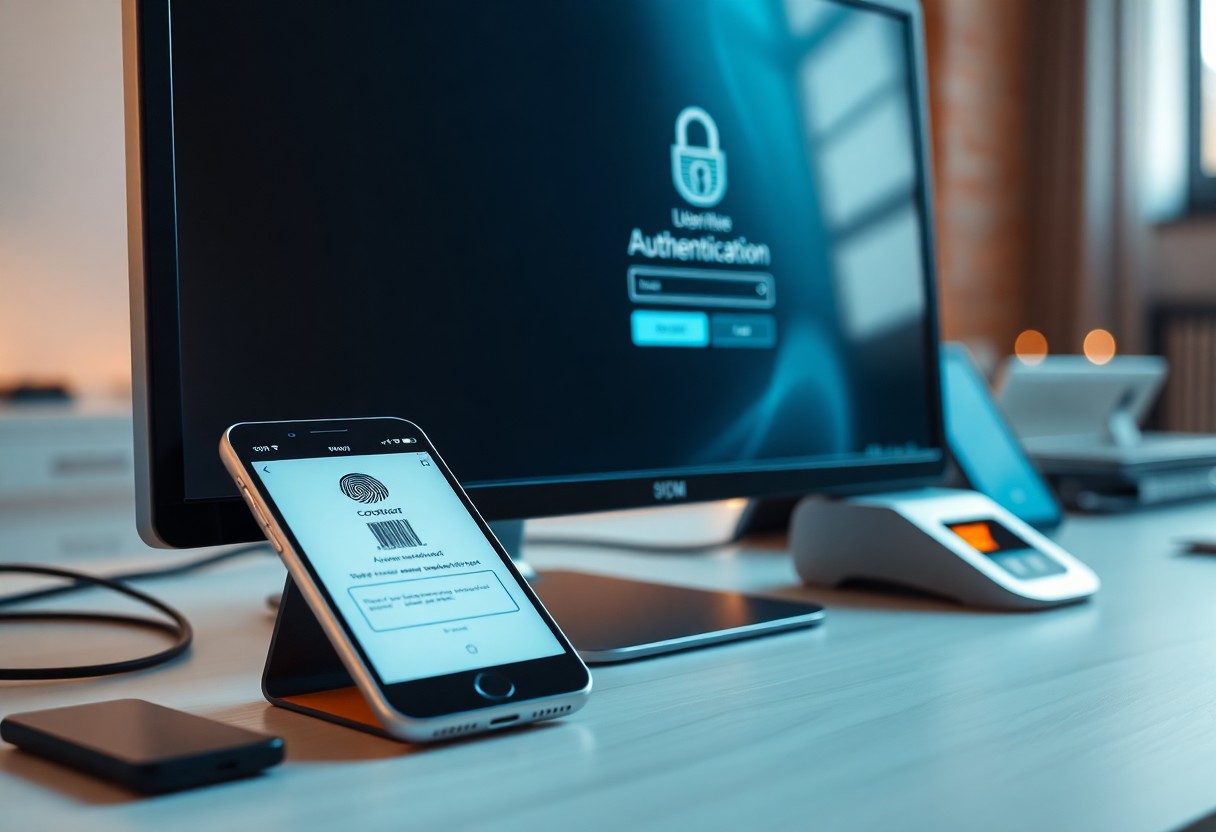
Many individuals and organizations overlook the significance of securing their online accounts. By implementing multi-factor authentication (MFA), you can significantly enhance the security of your sensitive information, protecting yourself from unauthorized access. This guide will walk you through the step-by-step process of setting up MFA on your accounts, ensuring that your data remains safe from potential threats and breaches. Equip yourself with the knowledge to fortify your online presence and enjoy peace of mind knowing that your accounts are better protected.
Understanding Multi-Factor Authentication
Before adopting any security protocol, it’s crucial to understand how it works. Multi-Factor Authentication (MFA) adds an additional layer of security beyond just a password, ensuring that your accounts are protected by verifying your identity through multiple means. By requiring these extra steps, you can significantly reduce the risk of unauthorized access to your sensitive information.
Definition of Multi-Factor Authentication
An important security measure, Multi-Factor Authentication involves using two or more verification methods to confirm your identity. These methods can be categorized into three types: something you know (like a password), something you have (like a smartphone), and something you are (like a fingerprint). This layered approach greatly enhances the security of your accounts.
Importance of Multi-Factor Authentication
MultiFactor Authentication plays a vital role in protecting your digital identity. It acts as a deterrent against cybercriminals, making it more challenging for them to access your accounts even if they have your password. By implementing MFA, you can significantly lower the risk of data breaches, identity theft, and other malicious activities that can result in substantial personal and financial consequences.
Authentication is the first line of defense against cyber threats. By utilizing Multi-Factor Authentication, you’re enhancing the security of your online accounts and safeguarding your sensitive personal information. In today’s digital landscape, where breaches and hacking incidents are on the rise, integrating MFA into your security protocols adds a strong barrier and provides a peace of mind knowing that your data is less vulnerable to unauthorized access. Embracing this security measure demonstrates your commitment to protecting your online presence effectively.
Key Factors to Consider
Now, when implementing multi-factor authentication, there are several key factors to consider that can enhance your security strategy:
- User Experience – Ensure the process is simple for your users.
- Compliance – Verify that you meet relevant regulations.
- Integration – Check compatibility with existing systems.
- Cost – Factor in both initial and ongoing expenses.
- Support – Consider the level of support available.
Perceiving these elements will guide you in making appropriate choices for your security needs.
Types of Factors
For a well-rounded multi-factor authentication approach, you should understand the various types of factors available:
- Knowledge Factors – Something the user knows, like a password.
- Possession Factors – Something the user has, such as a mobile device.
- Inherence Factors – Something inherent to the user, like a fingerprint.
- Location Factors – Based on the user’s geographic location.
- Behavioral Factors – Patterns unique to the user’s activity.
Recognizing these types can support creating a robust authentication system.
Assessing Risk Levels
The assessment of risk levels is fundamental in determining the intensity of your security measures. By analyzing potential threats and vulnerabilities, you can prioritize factors that need heightened security. You should evaluate the sensitivity of the data you are protecting and the potential consequences of breaches. Alongside identifying the users’ roles and their access levels, it’s also critical to consider the threat landscape and organizational changes that might introduce new risks.
Understanding the risk factors associated with your environment will allow you to implement the most effective multi-factor authentication solutions. By identifying high-risk areas, such as data with sensitive information and user roles that require elevated security, you can focus your efforts where they matter most. Additionally, recognizing trends in potential attacks and breaches can guide you in adapting your strategies effectively. A tailored, risk-aware approach will help ensure your authentication system is both effective and efficient.
How to Implement Multi-Factor Authentication
It is crucial to ensure the security of your systems through the implementation of Multi-Factor Authentication (MFA). Start by thoroughly understanding your organization’s needs, the types of data you protect, and the level of security required. Consider various methods and choose the one that aligns best with your security strategy to fortify your defenses and safeguard sensitive information.
Choose the Right Method
The selection of a suitable authentication method is pivotal for effective MFA implementation. Options range from SMS codes and authentication apps to biometric factors. Assess your users’ preferences, ease of use, and the level of security each option provides to identify the most appropriate solution for your organization.
Integration with Existing Systems
Implementing MFA can significantly enhance security, but you must ensure compatibility with your existing systems. Evaluate your current software and infrastructure to identify tools that support MFA. This integration minimizes disruptions while boosting security measures, allowing you to implement MFA smoothly without affecting user experience or your operational flow.
This process involves reviewing your current authentication protocols and examining how MFA can be cohesively integrated. Additionally, consider engaging with vendors that offer solutions tailored to your existing systems. By doing so, you’ll ensure a seamless transition to MFA, mitigating potential security risks and enhancing your overall cybersecurity posture.

Tips for a Smooth Rollout
To ensure a successful rollout of multi-factor authentication (MFA), consider the following tips:
- Involve key stakeholders early to gain buy-in.
- Conduct a risk assessment to prioritize critical systems.
- Provide comprehensive user training on MFA to ease the transition.
- Offer ongoing support to address any concerns or challenges.
- Evaluate feedback to continuously improve the process.
The implementation should focus on being scalable and user-centric. For more details, check out these 6 steps to effectively deploy MFA.
User Training and Support
Rollout of MFA should always include robust training and ongoing support. Ensure your users understand the importance of MFA and how to use it effectively. Providing clear documentation and access to support channels will help assist users encountering issues. An informed user base is vital for a smooth transition.
Communication Strategies
Strategies for effective communication during your MFA rollout can ease user apprehension. You should establish clear and consistent messaging regarding the changes, emphasizing the benefits of MFA, such as enhanced security for your data. Ensure that you address potential concerns upfront and provide resources for users to familiarize themselves with the new system.
This communication can significantly reduce confusion and foster a positive climate around the changes. Utilize various channels such as emails, town hall meetings, and FAQs to share information. By keeping your team informed, you can promote a sense of ownership and commitment. Highlight the convenience of MFA as a safeguard against identity theft. A transparent approach will increase trust and acceptance of the new authentication processes.
Common Challenges and Solutions
Many organizations face challenges when implementing multi-factor authentication (MFA). Some of the most common issues include technical difficulties, user resistance, and integration with existing systems. By being proactive in identifying these challenges, you can develop effective strategies to ensure a smooth implementation process and heighten your overall security posture.
Technical Issues
An unexpected technical issue can derail your multi-factor authentication implementation. Be prepared to address compatibility concerns with your existing software and hardware. It’s vital to have IT support on hand to troubleshoot problems, ensuring that all necessary updates are performed and that your MFA solutions work seamlessly across devices.
User Resistance
Clearly, user resistance can be one of the biggest hurdles to overcome when implementing multi-factor authentication. Many users may find the additional steps cumbersome or may not fully understand the importance of these security measures.
Issues often stem from a lack of understanding about the benefits of multi-factor authentication. Users might perceive it as an inconvenience rather than a protective measure against cyber threats. To alleviate their concerns, it’s vital to educate your team on how MFA enhances security and reduces the risk of data breaches. Consider providing training sessions or resources that explain the process and the positive impact it has on safeguarding sensitive information. Addressing user resistance effectively can lead to a smoother implementation and ultimately a more secure environment.
Maintaining Multi-Factor Authentication
Unlike traditional single-factor authentication systems, maintaining multi-factor authentication (MFA) requires ongoing vigilance and commitment. It is necessary to regularly assess and update your MFA systems to address emerging security threats and ensure seamless user experience. This process not only enhances your security posture but also reinforces user confidence in your authentication mechanisms.
Regular Updates and Audits
Maintaining an effective MFA system involves conducting frequent updates and audits. This helps you identify any vulnerabilities in the existing setup, apply necessary patches, and strengthen your defenses against potential cyber threats. Regular audits also ensure that your MFA is functioning as intended, providing a reliable layer of security for your users.
Ensuring User Compliance
There’s a need for active measures to ensure user compliance with your MFA policies. Users must be educated on the importance of multi-factor authentication and how to use it effectively. You can implement training sessions or awareness campaigns to promote understanding and adherence to MFA protocols.
Audits play a pivotal role in enhancing user compliance with MFA policies. By conducting routine checks, you can monitor user engagement and identify any non-compliance issues. Addressing these gaps promptly is vital, as failure to comply can expose your systems to significant vulnerabilities. Creating user-friendly guidance materials and providing prompt support can significantly enhance compliance rates, fostering a secure environment for your organization while protecting sensitive information.
Conclusion
Hence, implementing multi-factor authentication (MFA) enhances the security of your accounts significantly. Start by assessing the platforms you use, then enable MFA settings where available. Choose the right factors for your needs, such as SMS codes or authenticator apps, ensuring that your chosen methods are user-friendly. Regularly review your MFA settings and educate yourself about any new security practices. By taking these steps, you not only safeguard your personal information but also contribute to a safer digital environment.